
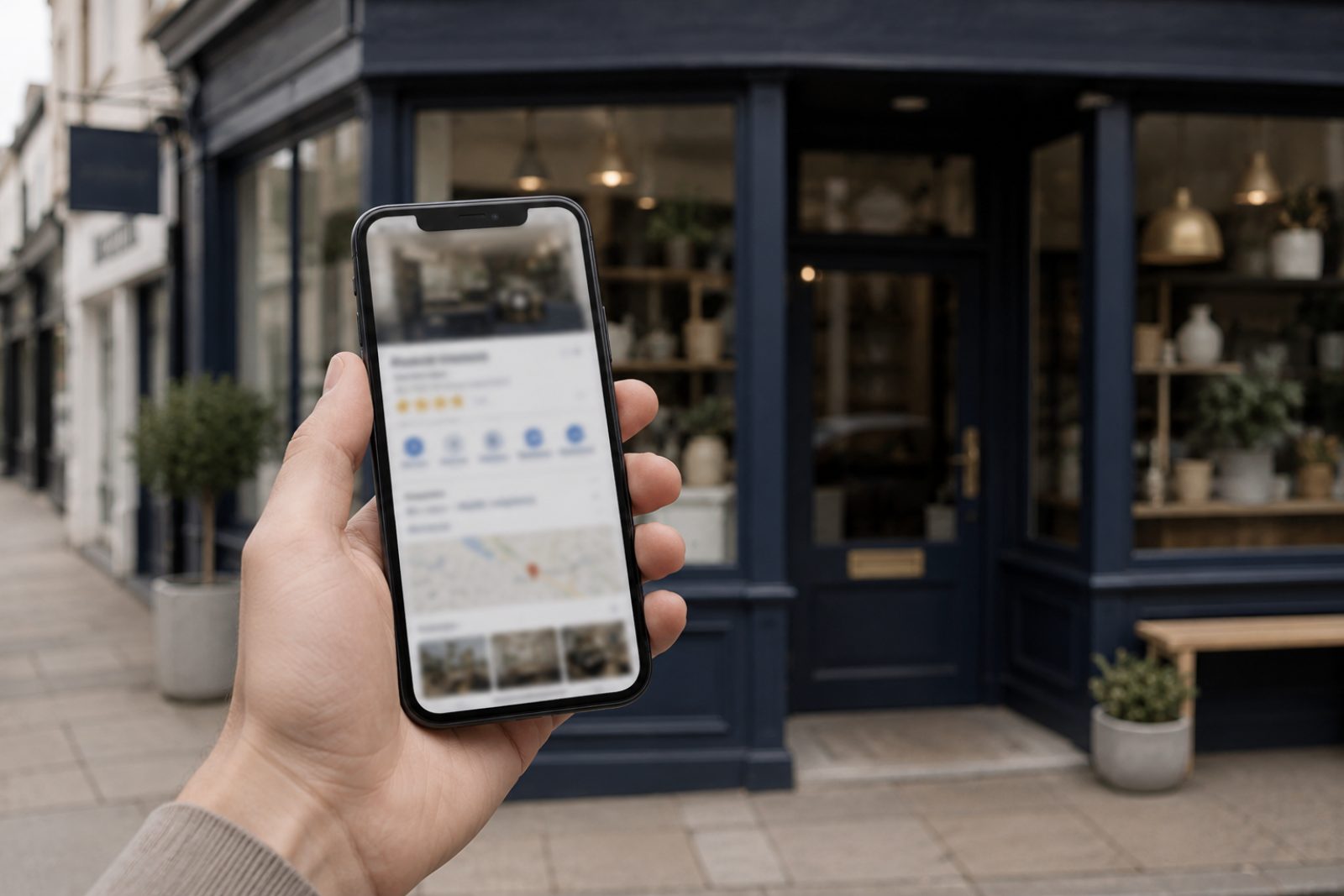
Your website and Google Business Profile should give customers compatible, accurate information. A profile can help eligible local businesses present key details, while the website can explain the services, evidence and enquiry process in more depth.
Confirm eligibility and use your real identity
Before creating a profile, review Google’s business representation guidelines. Eligibility depends on how the business meets customers. A remote service does not become a local office because it wants to serve customers in a particular town.
Describe the real operating model and follow the address rules for a customer-facing location or service-area business. Do not create duplicate profiles or list a virtual office as if customers are served there.
Check the details a customer relies on
Compare the business name, main contact route, opening hours and services you maintain on each surface. Correct contradictions such as an old number, an unavailable service or hours that no longer apply.
The goal is accurate information, not a promise that identical punctuation or address formatting will improve rankings. If the business has several legitimate contact routes, explain their purpose clearly.
Send visitors to a useful page
The website link should lead to a page that represents the business and gives the visitor a sensible next step. A relevant service or location page can be useful where it matches the business and the customer’s need. Do not send people to a thin page created only to repeat a town name.
On the destination page, check:
- The service description matches what the business offers.
- The service area is real and clearly explained.
- Mobile navigation and the main contact action work.
- Important company details and pricing information are current.
- Work examples and reviews are genuine and used appropriately.
Treat maps and reviews as customer information
A map can help visitors find a real customer-facing location, but embedding one is not itself a Google verification method or a guarantee of better rankings. Use third-party embeds in line with your site’s privacy arrangements.
Reviews can help a reader assess the business. Do not invent them, alter their meaning or imply that every visitor will have the same experience.
Maintain both surfaces when the business changes
Assign responsibility for updating services, opening hours and contact details. Record the date and what changed so future reviews are based on evidence. Our Growth Care scope can include agreed work on website information and structure; confirm any Business Profile work separately in the proposal.
The Free Growth Check offers a short starting review. A deeper paid audit can assess a broader set of issues. Accurate information supports a better customer journey, but neither service guarantees local rankings or AI citations.